annodex
Codex in Your Browser — No VPN, No ChatGPT Account
A browser workspace for Codex that works with any LLM provider. Fully compatible with Codex CLI config and history. Built for bioinformatics, data science, and anyone who wants AI-assisted coding without the setup burden.
Why Annodex Exists
Codex is powerful, but accessing it shouldn't require a VPN, a ChatGPT subscription, or terminal expertise.
The Problems
Codex Desktop Needs VPN + ChatGPT
The official Codex desktop app requires a ChatGPT Plus/Pro subscription and network access that many users in China and other regions cannot easily obtain.
Codex CLI Is Not for Everyone
The CLI version is powerful but demands terminal comfort. No image viewing, no file preview, no visual feedback — a high barrier for scientists and non-developers.
DeepSeek & Codex Don't Mix
DeepSeek is affordable and capable, but its API uses the chat/completions format while Codex requires the responses format. Using them together is painful without a bridge.
How Annodex Solves Them
Browser-Based. Zero Friction.
Annodex wraps Codex in a browser workspace. No VPN. No ChatGPT account. Just open your browser and start working with your local files.
Full CLI Compatibility
Annodex reads the same config, providers, and chat history as Codex CLI. Switch between them freely — your work is always in sync.
Any Model, One Interface
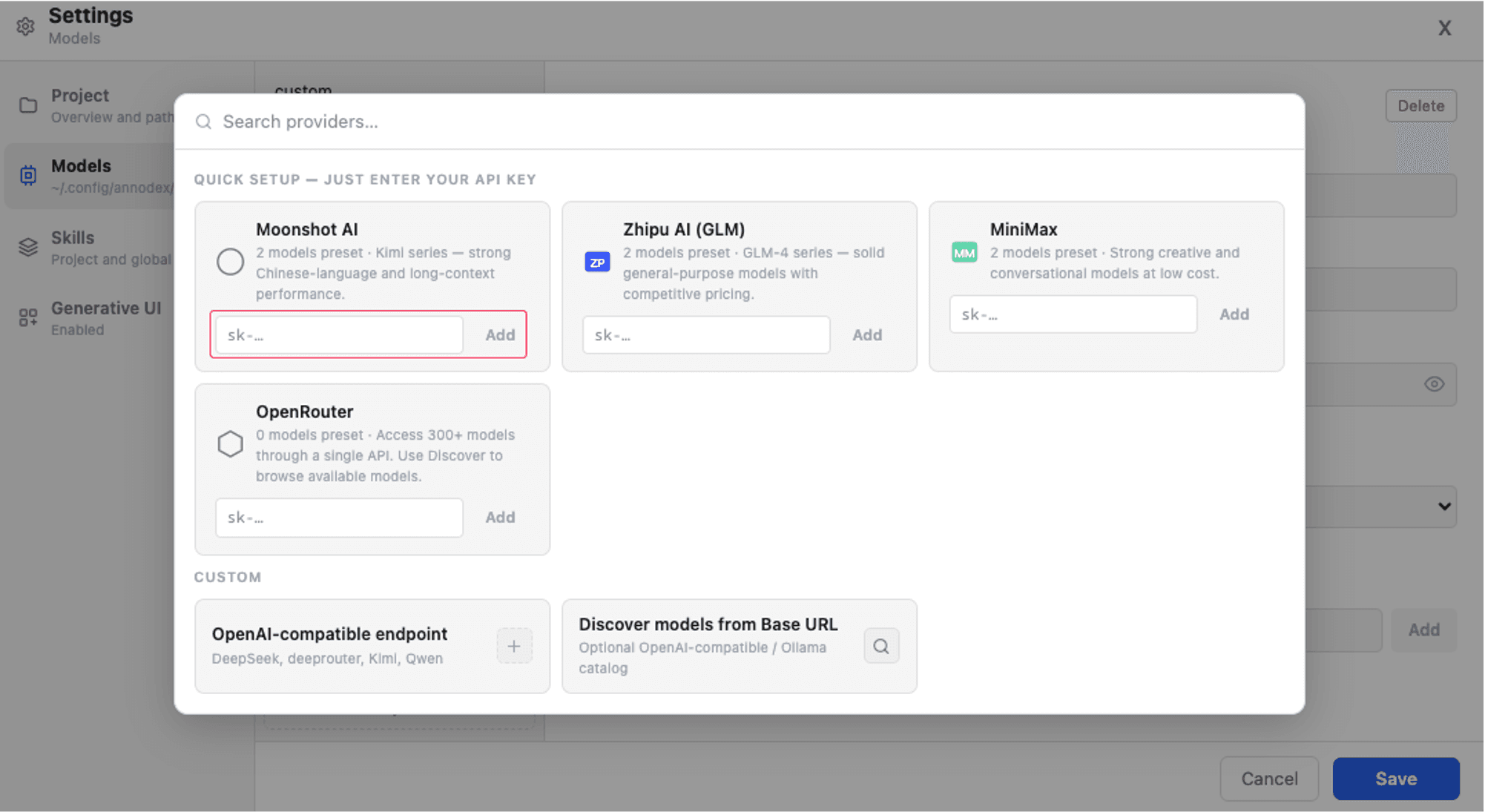
DeepSeek, OpenAI, Anthropic — configure providers from the Settings → Models screen or providers.json. Annodex normalizes the API differences so every model just works.
Features
Project Switcher & Pin
Unpinned projects in the top dropdown; pin directories you reuse as sidebar folders with chat history.
Per-Project Chats & Files
Sessions, file browser, and uploads are scoped to one project cwd. Switch projects without losing Codex thread history.
Generative UI
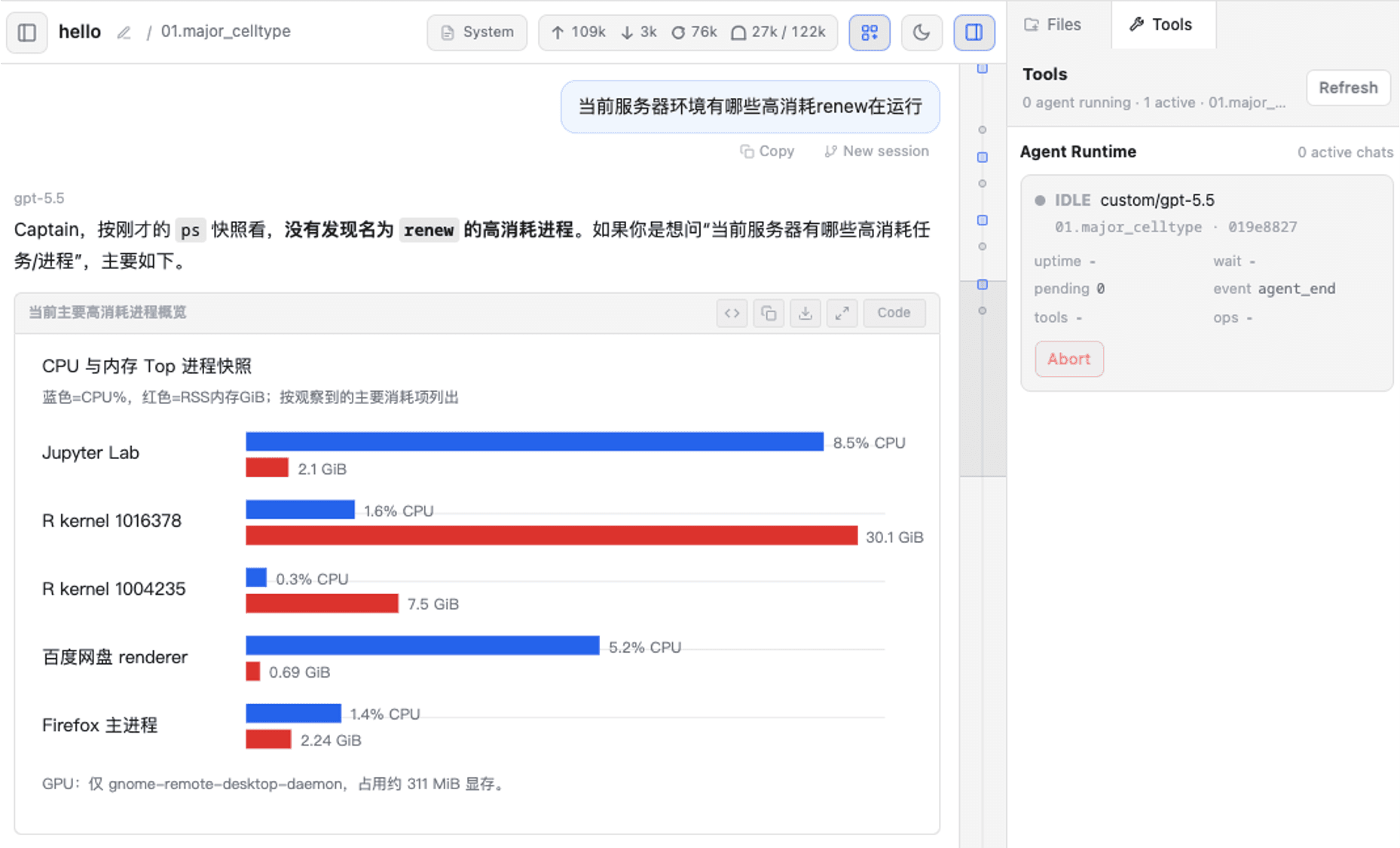
Renders flowcharts, Mermaid diagrams, data tables, and Markdown inline — useful for pipeline and analysis workflows.
Images & File Preview
Paste images into chat (.annodex-uploads/). Preview Markdown, PDFs, and reports in Files; Download saves originals from the toolbar.
Project Memory
Dual-layer memory: SOUL/HARNESS/MEMORY/CONTEXT injected at thread start, plus retain/recall/reflect via MCP. Promote candidates from the Tools panel.
Project IM (WeCom)
Optional one bot per project cwd. Pair with a code first in Settings → Project → WeCom IM; auto-started by annodex start; annodex stop also stops it. Run annodex im-gateway standalone only for debugging.
Extensions & Skills
MCP presets (Memory, Browser Use, Custom) with simple toggles; Advanced for transport and install. Skills from Settings → Skills.
Live Streaming
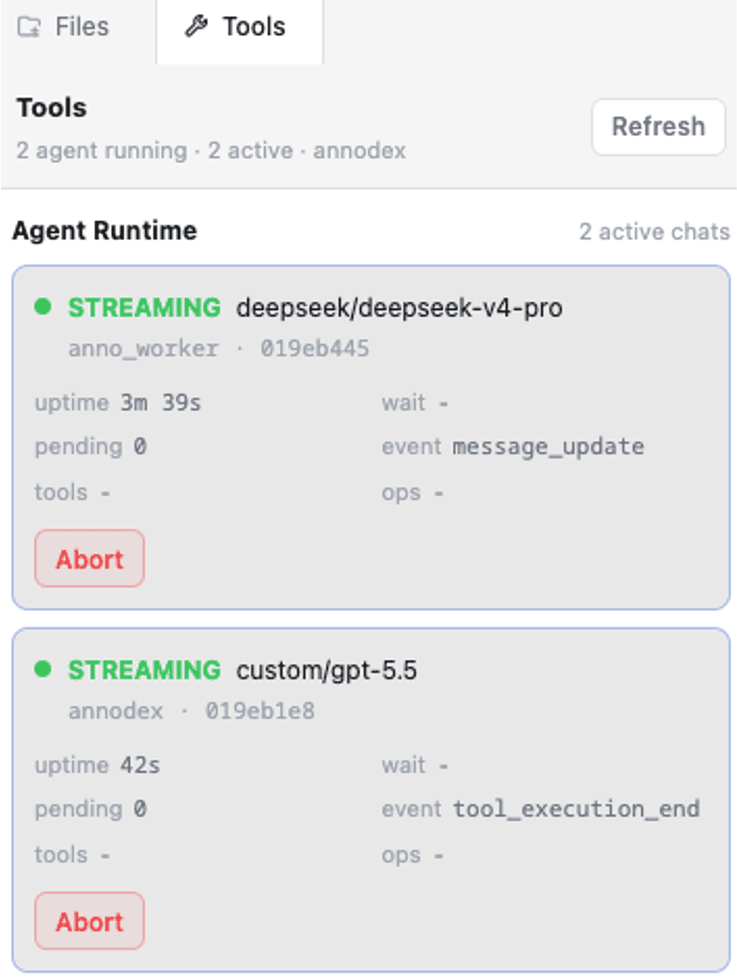
Thinking phases, tool calls, waiting status, and SSE reconnect — see what the agent is doing in real time.
Interactive Notebook
Jupyter-powered notebook with thebe-core. Rich cell editing, Python/R kernels, .ipynb file support. Chat target routing sends agent output to notebook cells.
See It in Action
"apiKey": "sk-••••••••",
"baseURL": "https://api.deepseek.com"
},
Use It from Desktop or Mobile
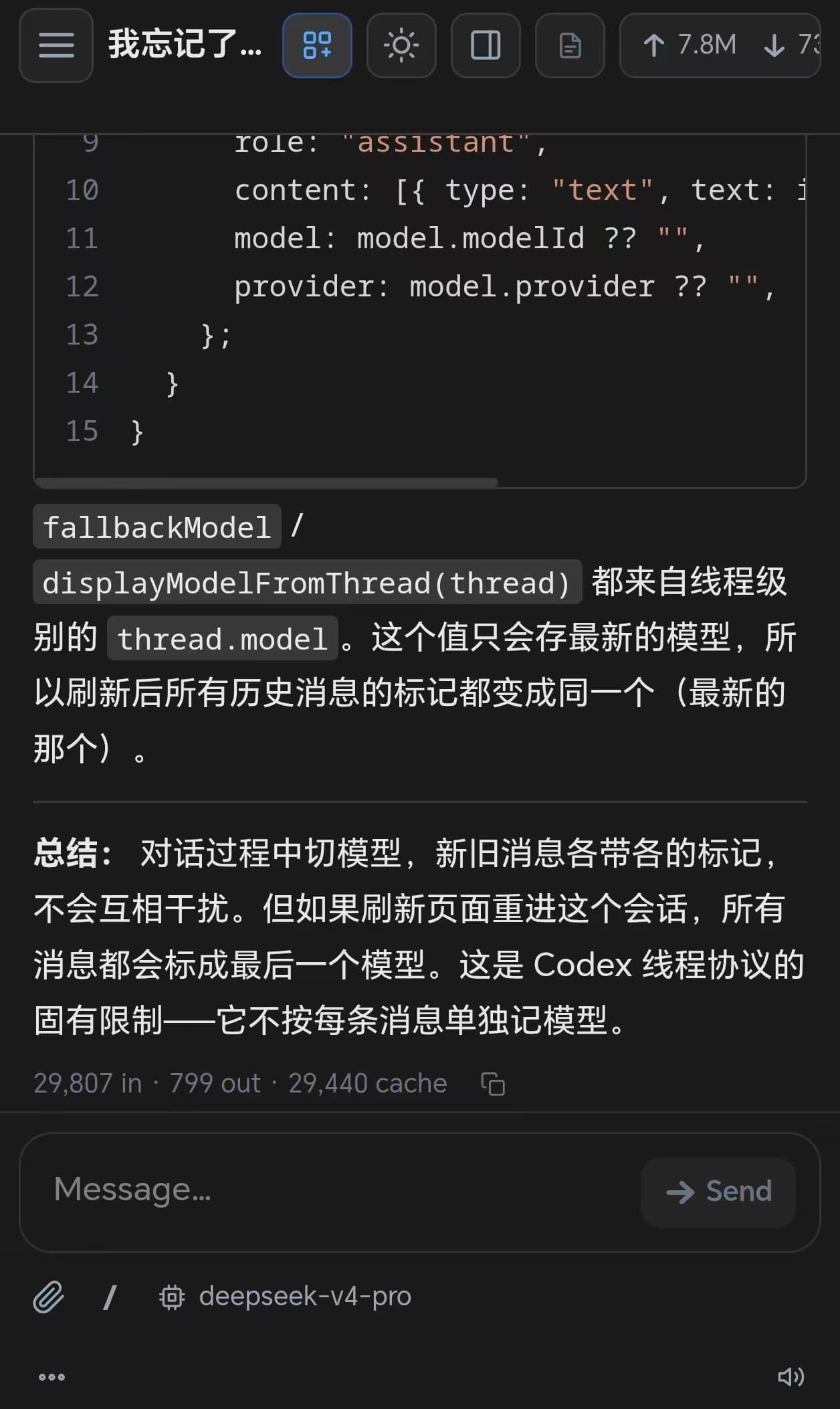
Configure models, preview files, monitor running chats, and continue work from a phone browser when Annodex is running on a server.

Writable Home Required
Annodex writes config, logs, and optional web auth under ~/.config/annodex/. Codex stores threads under ~/.codex/. Pasted chat images go to {project}/.annodex-uploads/.
On Linux servers, check that $HOME is writable and has enough quota. If not, set ANNODEX_CONFIG_DIR and CODEX_HOME to a scratch path before annodex --hostname 0.0.0.0.
Read storage & configuration details →Installation
Windows: Install Miniforge
Download from Miniforge3-Windows-x86_64.exe
After installation, search Miniforge, then run Miniforge Prompt as administrator.
Install Node.js
conda update -n base -c conda-forge conda
conda install -c conda-forge nodejs
Run these commands in Miniforge Prompt.
Install Codex & Annodex
npm install -g @openai/codex
npm install -g @seqyuan/annodex
codex
If Codex asks you to log in, press Ctrl+C to exit.
Start and set model
annodexPress Enter through prompts. Then open Settings → Models, paste your DeepSeek API key, and save.
关注公众号获取更新
微信公众号搜索 seqyuan,查看 annodex 使用教程、Windows 安装说明和生信 AI 工作流案例。

# Windows: run in Miniforge Prompt as administrator
conda update -n base -c conda-forge conda
conda install -c conda-forge nodejs
npm install -g @openai/codex
npm install -g @seqyuan/annodex
codex   # press Ctrl+C if login appears
annodex # press Enter through prompts

# Linux server — use a writable config dir if home is limited
export ANNODEX_CONFIG_DIR=/scratch/$USER/annodex-config
export CODEX_HOME=/scratch/$USER/codex-home
mkdir -p "$ANNODEX_CONFIG_DIR" "$CODEX_HOME"
annodex --hostname 0.0.0.0
# Open http://<server-ip>:30121 from another device